 Widgets mini
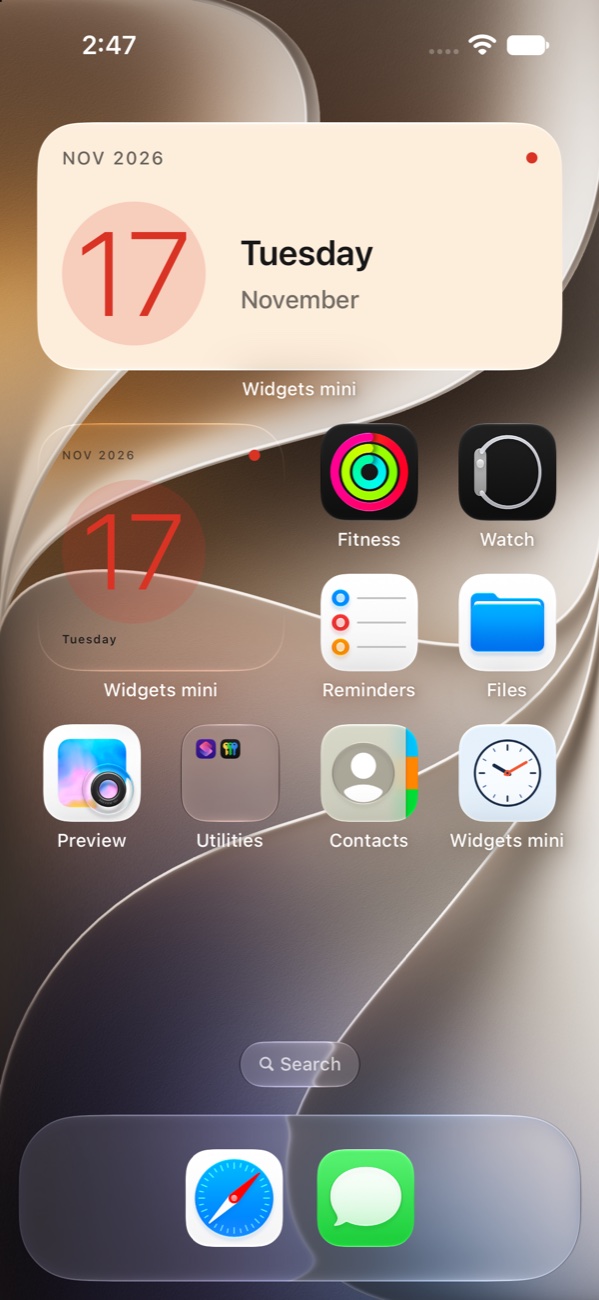
Widgets for your Home Screen
Choose a clock, a countdown, today’s weather, or a note. Customize its look and add it to your iPhone or iPad in small or medium size.
How to add a widget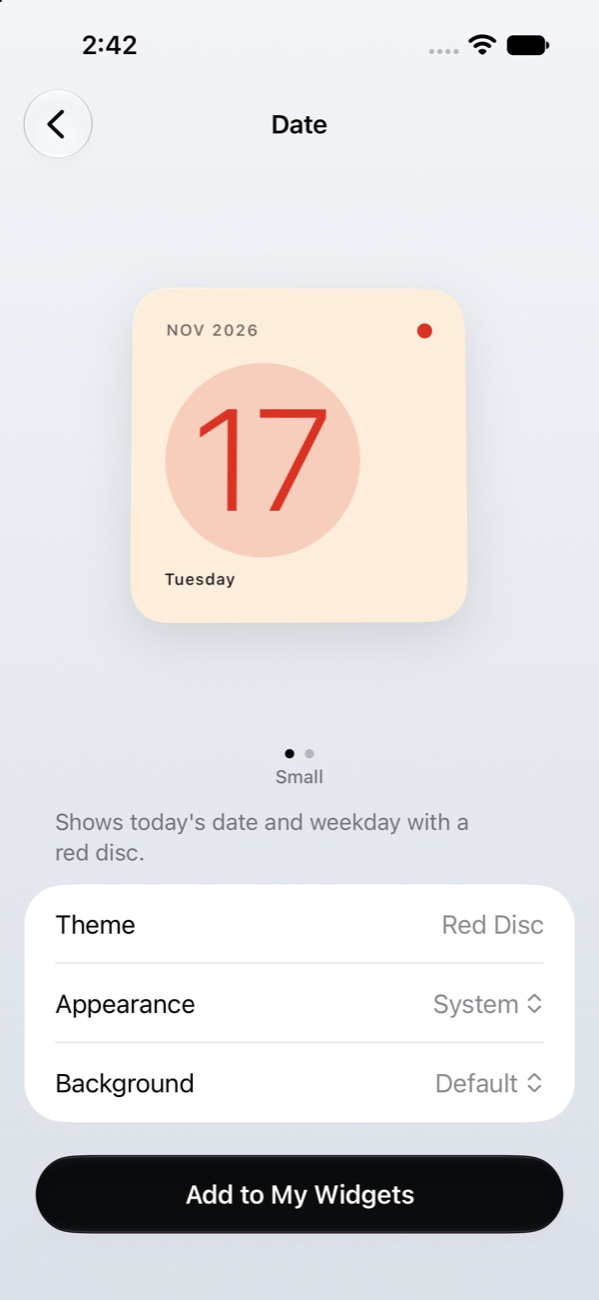
What’s in the Gallery
- Clocks
- Analog, digital, and world clocks for the cities you follow.
- Dates and countdowns
- See today’s date or count down to a birthday, anniversary, or trip.
- Current weather
- Get local conditions at a glance when you enable location access.
- Notes and quotes
- Keep your own words visible with a quick note or a favorite quote.
Add a widget
- Open a design in Gallery and tap Add to My Widgets.
- Touch and hold your Home Screen, then choose Edit → Add Widget. Find Widgets mini and pick a size.
- Touch and hold the new widget, tap Edit Widget, and select your saved design under Widget.